Studio · New

Describe it. See it. Cut it. Wear it.

The creative tools, together, on Studio credits. Every tool here reads your Fit profile, so what you design is already your size.

9:41Studio · 12 credits
Your photo
Black lace gown Office suit Wool overcoat
Fitting …
Save to history
01 Virtual Try-On

See it on you, from one photo.

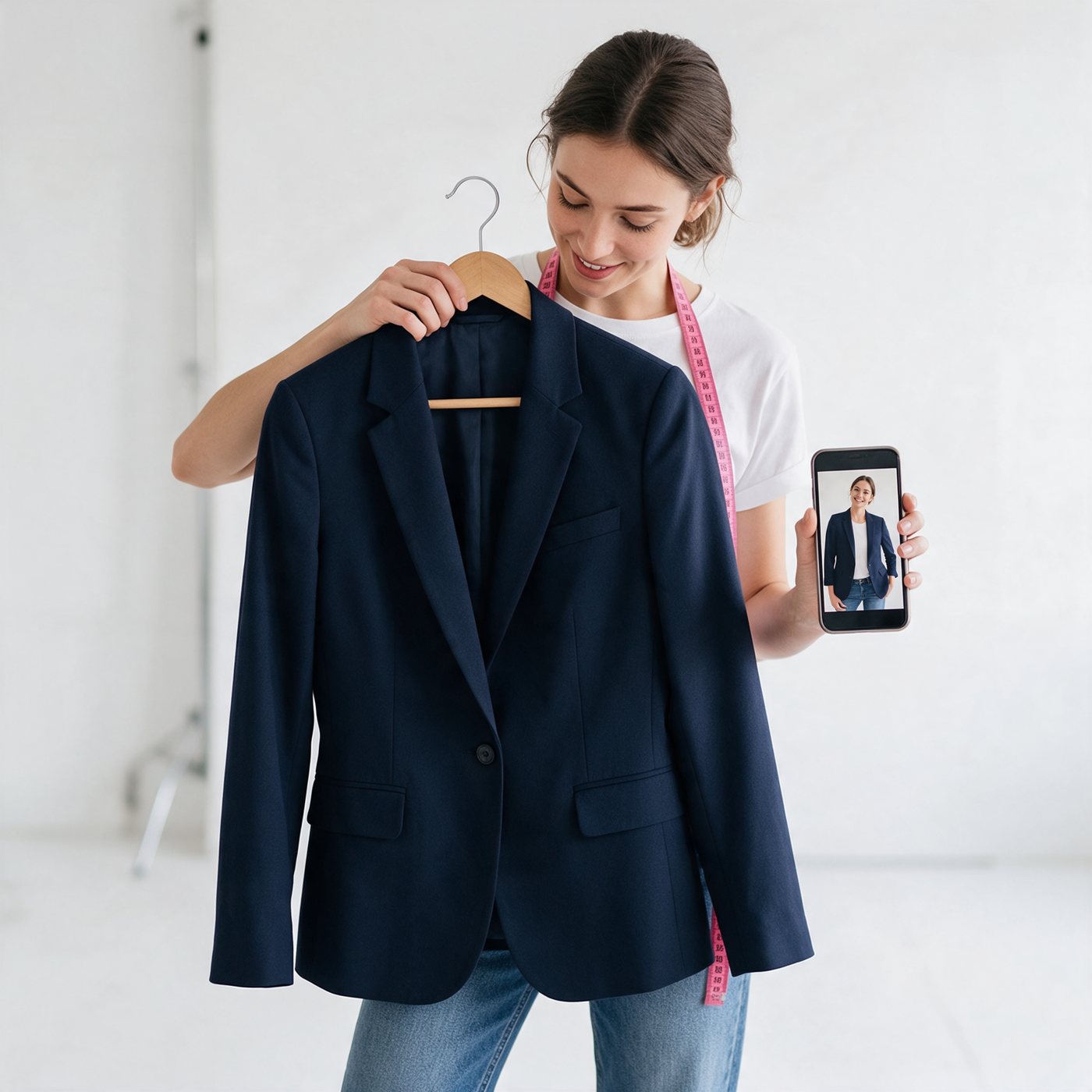
Upload a full-body photo and pick an outfit, colour and style. MySizer dresses you in it. Every look is saved to your history. One Studio credit per look.

Woman holding a navy blazer against herself while her phone shows her wearing it
02 Fashion Designer

Describe it. See it. Refine it.

In any language, on a model or on your own photo. Every version kept. The example prompt comes from your region pack.

V1 · First designV2 · Longer sleevesV3 · Maroon
On a model, or on you

Your Fit profile sets the model's proportions, so the design is already drawn at your size.

Every version kept

V1, V2, V3 stay in history. Change one thing and keep the rest.

Costs are visible

Each generation is a Studio credit. Studio has its own spend cap and its own rate limit, separate from Fit.

03 Pattern & Design · Beta

From a sentence to a pattern you can cut.

The project lead's new tool, placed where it belongs. It sits at the end of the Studio flow and reads measurements from Fit.

Describe

Write the garment in your own words, in any language.

Design

Fashion Designer draws it on a model or on your photo.

Pattern

Pattern pieces are drafted from your Fit profile, with seam allowance.

Try it on

Virtual Try-On shows the finished garment on you.

Bodice front, bodice back and sleeve, drafted from the profile measurements BODICE FRONT · cut 1 on fold BODICE BACK · cut 2 SLEEVE · cut 2 Bust 92 · Waist 74 · Hips 98 cm Back length 40 cm Sleeve 58 cm · 1.5 cm seam allowance ½ bust + ease
BetaWhat you get

A PDF of pattern pieces at real scale, a tech pack with measurements, and a try-on of the finished garment. Pieces are drafted from the same profile Fit uses.

Why it sits in Studio

It needs Fashion Designer for the look and Virtual Try-On for the result, so it is the last step of the Studio flow and not a fourth pillar.

How it is gated

Behind the Studio feature flag, marked Beta, on Pro to begin with. Switching it off hides it without touching anything else.